
Bedrock’s all-inclusive software package saves you from needing separate financial applications and software. You’re able to log all your time, disbursements, raise invoices and pay bills all from a single place.
Bedrock manages all of the following:
LAA subscriptions Bank reconciliation, Reports functions Production of management accounts, Trial balance and balance sheets Matter postings, Purchase invoices
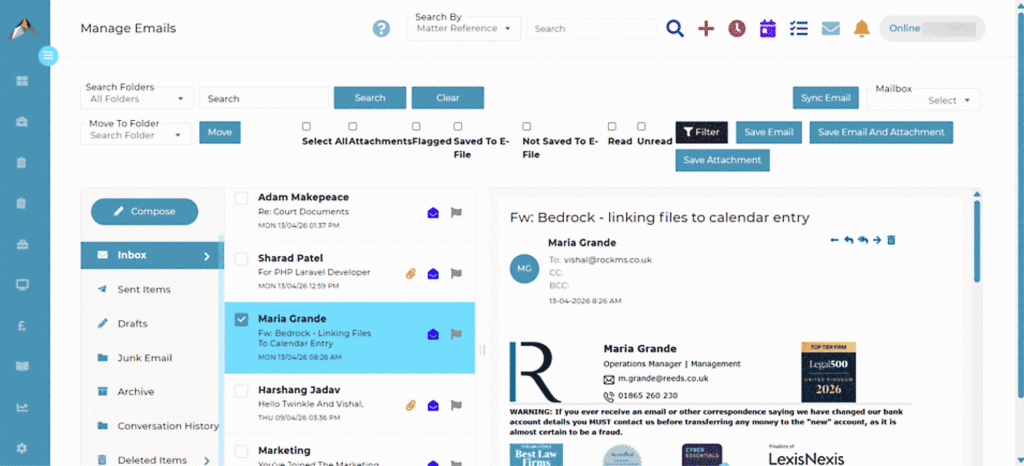
Matter Posting List
The matter posting list function simplifies matter related transactions for posting (i.e. client receipts and office disbursement payments). It also provides the accounts function with an easy to review list of postings to be made to the ledgers.
The account slip procedure within the matter files is validated to require fee earners to provide a copy of the relevant invoice, which is then added to the matter posting list for review by your accounts team. In the case of Crown Court disbursement invoices, the account slip requires a copy of the Rep Order and prior authority as well – to streamline the process of making claims on account of disbursements. Documents can be added to the account slip by accessing the documents saved to the matter electronic file or by browsing to your device to make it as straight forward as possible for users to complete.
Purchase Invoice
The purchase invoice list consolidates all supplier invoices and is the starting point for reviewing your relationships with suppliers. You can review all matter and non-matter invoices in one place, with extensive filtering options to focus on invoices based on date range, paid status, supplier details and/or nominal details.
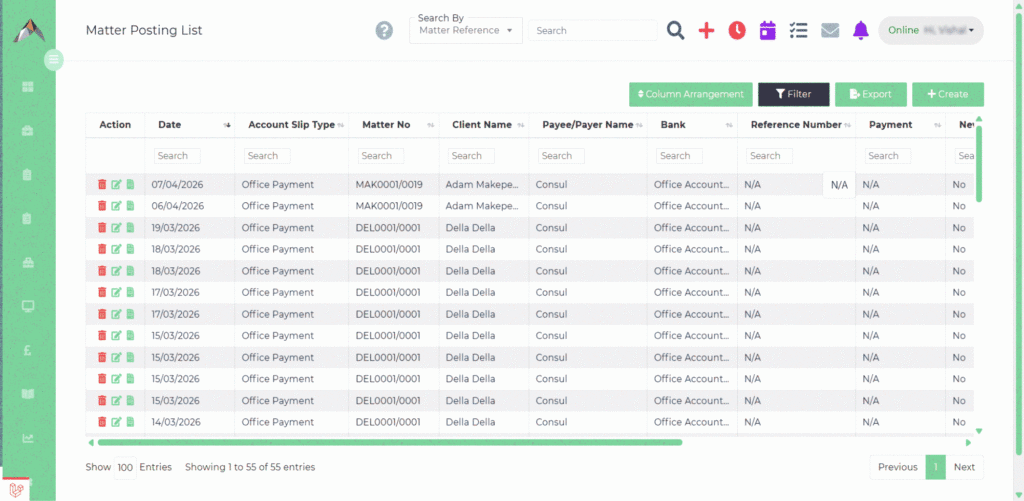
Posting is straight forward for both matter and non-matter invoices. In any event, invoices can be easily edited and re-posted in order to correct any initial posting errors. Credit notes from suppliers relating to matter or non-matter invoices are all handled from the same interface – using a similar workflow, building familiarity quickly with the different elements of the invoicing processes.
Payment dates and your payment references are added to the paid invoice records to enable you to easily review the payments you have made to suppliers, to facilitate the efficient handling of any queries.
Remittance advices are automated for payments made by BACS to suppliers, removing the need to have to make separate notifications to suppliers relating to payments. Remittances include a full breakdown of invoices paid where multiple invoices are paid at the same time.